Tallerum · Synapse Solutions
Support
Need help with Tallerum? Here you’ll find answers to the most common questions and how to get in touch with us.
Contact us
Email us at [email protected] with the subject “Tallerum Support.” We reply within 24 business hours (Monday to Friday, 9:00 a.m. to 6:00 p.m., Mexico City time).
To help us assist you faster, tell us the email you sign in with, your device model, operating system version and what was happening when the issue occurred.
Frequently asked questions
How do I get access?
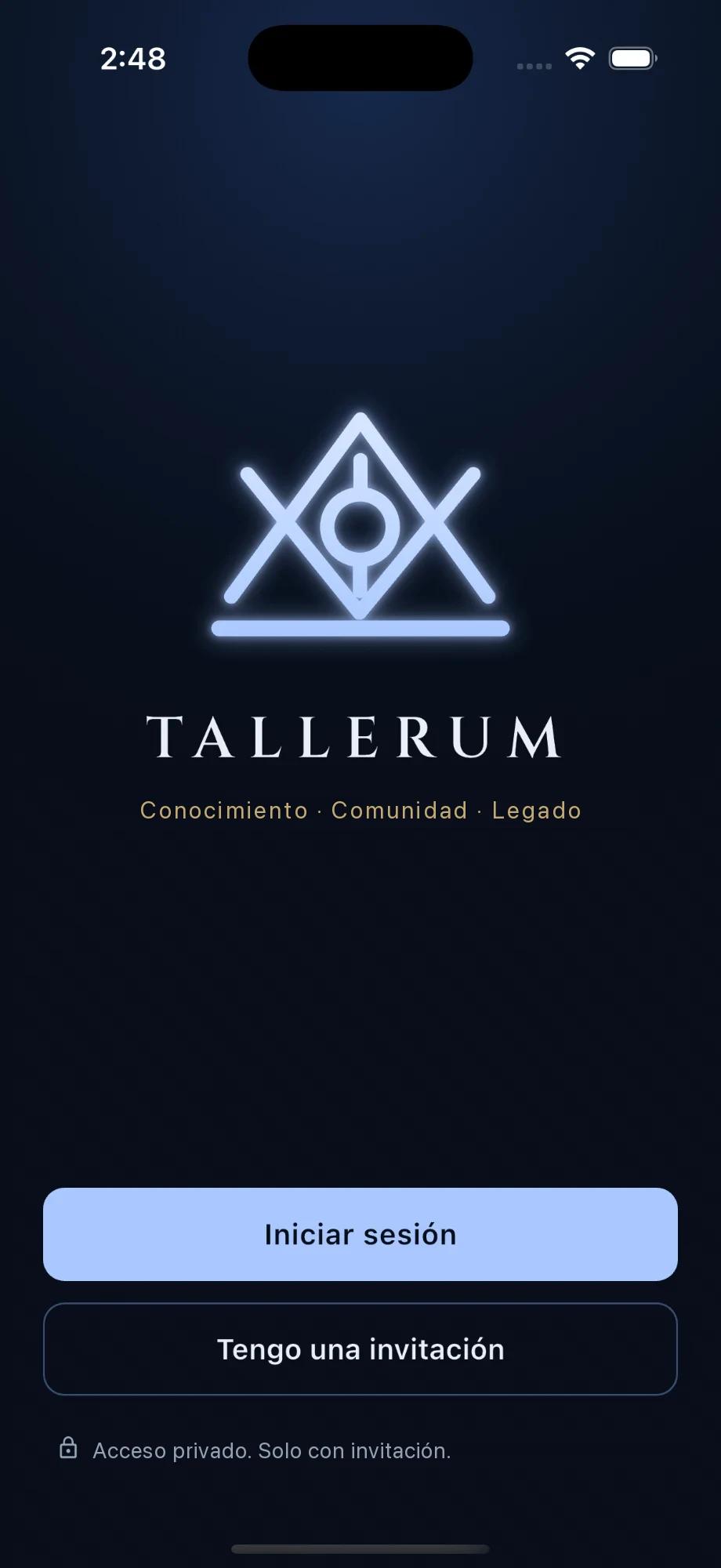
Tallerum is private: you can only join with an invitation from your organization. Once you receive it, open the app, tap “Tengo una invitación” (I have an invitation) and follow the steps.
My invitation doesn’t work or has expired.
Ask the person who manages your organization to send you a new one. If the problem continues, email us.
I can’t sign in.
Make sure you’re using the same email you accepted the invitation with. If you still can’t get in, email us from that address and we’ll help you recover access.
Who can see what I post?
Only members of your organization, according to the permissions it sets. Tallerum isn’t a public network: nothing shared inside the app is visible outside it.
How do work and reviews work?
In the Work section you can create and view your own. If your organization assigns you as a reviewer, “Por revisar” (To review) shows other members’ work waiting for your review.
Where do I see upcoming meetings?
The next scheduled meeting appears on the home screen, and the Calendar section shows the full schedule.
Where do I find documents and newsletters?
Documents are in the Library, and the latest newsletters appear on the home screen. Tap “Ver todos” (See all) to browse earlier ones.
How do I delete my account?
See the steps in Privacy Choices.
If something isn’t working
- I’m not getting notifications: make sure they’re allowed for Tallerum in your device settings.
- Information isn’t updating: check your internet connection and open the app again.
- The app freezes or closes: close it completely and open it again. If it keeps happening, update it to the latest version from the app store.
If the problem continues, email us at [email protected].
Last updated: October 26, 2026. Questions? Email us at [email protected].